This course provides a comprehensive introduction to web accessibility, equipping learners with the knowledge and practical skills to create websites and applications that are usable by people of all abilities. Through a combination of theory, real-world examples, and hands-on exercises, participants will explore how to design, build, and test digital content that meets modern accessibility standards such as WCAG (Web Content Accessibility Guidelines) and complies with legal requirements like the ADA and Section 508.
This course provides a comprehensive introduction to accessibility testing, equipping participants with the skills and tools needed to evaluate and improve the accessibility of digital content for users with disabilities. Students will learn to identify common accessibility barriers, use assistive technologies, apply industry standards like WCAG 2.2 and Section 508, and perform both automated and manual accessibility tests across web and mobile platforms.
Through hands-on exercises, case studies, and guided practice, learners will gain practical experience in using tools such as axe, Lighthouse, WAVE, NVDA, and VoiceOver, and learn how to report and remediate accessibility issues effectively.
Register in Courses
💡 Key Topics
Foundations of accessibility and inclusive design
Accessibility in UX, UI, and agile workflows
WCAG 2.1/2.2 guidelines and the POUR principles
Semantic HTML and accessible markup
Color, contrast, and visual design considerations
ARIA and dynamic content accessibility
Multimedia accessibility (images, video, audio)
Keyboard navigation and focus management
Accessibility testing with screen readers and automated tools
Legal and ethical implications of inaccessible content
🛠️ Course Features
100% practical and project-based learning
Real-world capstone projects
Code reviews and mentor support
Resume and GitHub portfolio development
Lifetime access to course materials (if online)
Certification upon successful completion
Who Should Take This Course
Web developers and front-end engineers
UX/UI designers and product teams
QA testers and accessibility specialists
Content creators and digital marketers
Anyone interested in building inclusive digital experiences
🎓 Learning Outcomes
By the end of this course, learners will be able to:
Understand the principles of accessible web design
Apply WCAG standards to real-world websites
Advocate for inclusive design within their teams and organizations
Identify and resolve common accessibility issues
Use tools to evaluate and improve accessibility
Prerequisites
Basic understanding of HTML, CSS, and JavaScript is recommended but not required.
📕 Web Accessibility Course Content Outline
Module 1: Introduction to Web Accessibility
What is web accessibility?
Importance and benefits of accessible design
Who benefits from accessibility (users with disabilities, older users, etc.)
Types of disabilities: visual, auditory, motor, cognitive
Integrating accessibility into the development lifecycle
Working with designers and QA teams
Accessibility documentation and audits
Continuous learning and community resources
Bonus Content / Projects
Case studies of accessible vs inaccessible websites
Accessibility retrofitting exercise
Capstone project: Build or audit an accessible website
💼 Land job at your dream company
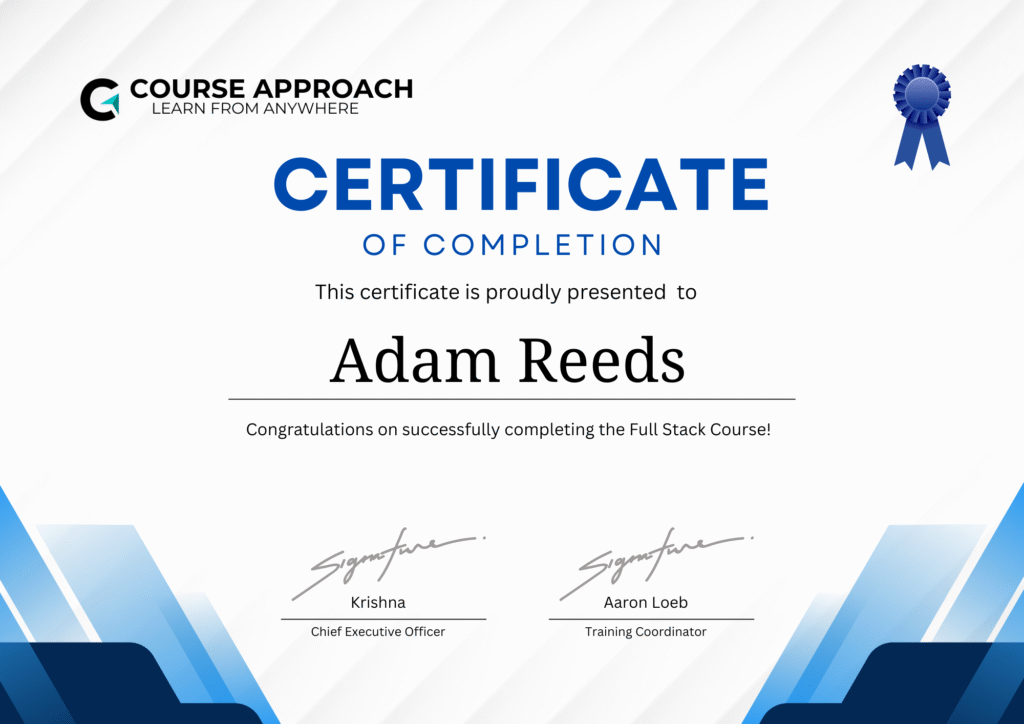
🪪 Course Certificate
Showcase your certificate as symbol of couse copliation
Official & Verified
Ideal for fast-paced learning with daily live sessions and hands-on projects
Easily Shareable
Suitable for working professionals or students balancing other commitments
Enhance Credebility
Suitable for working professionals or students balancing other commitments
Better Opportunities
Suitable for working professionals or students balancing other commitments
Industry Leading Placement
Whether you're aspiring to become a full-stack developer, looking to enhance your career, or build your own end-to-end applications, this
Total Students
0
Highest Salary
0 LPA
Avarage Salary
0 LPA
Hiring Partner
0+
Corporate Training Solutions
Empowering Teams. Driving Results.
At Course Approach, we understand that people are your greatest asset. Our Corporate Training Programs are designed to equip your teams with the skills, tools, and mindset needed to excel in today’s competitive business landscape.