
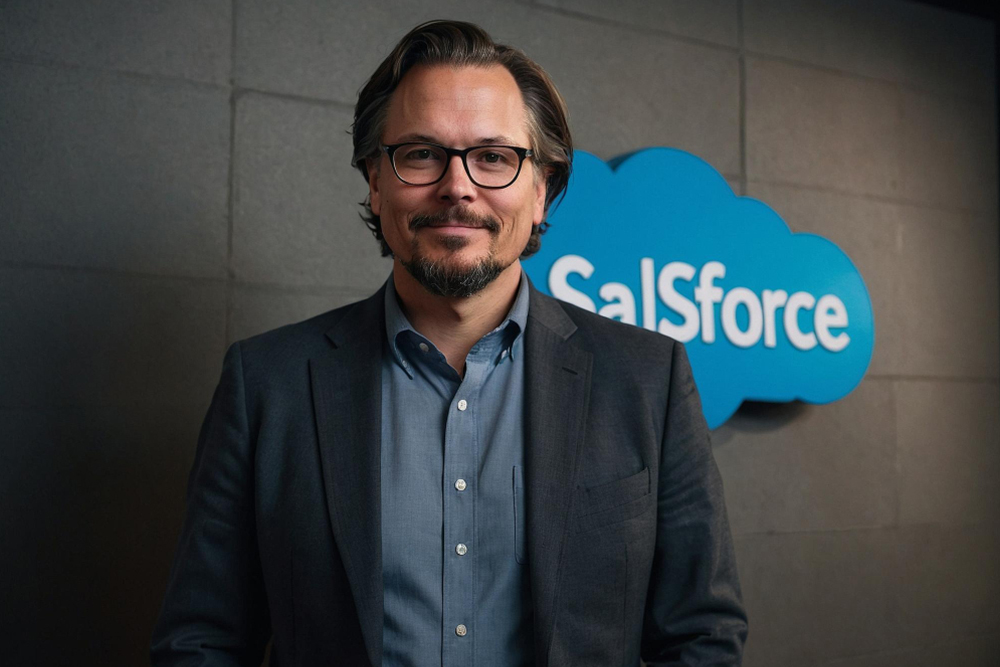
This comprehensive Salesforce course provides learners with in-depth knowledge and hands-on experience in managing and developing within the Salesforce platform. Designed for aspiring Salesforce Administrators, Developers, and Consultants, the course covers core CRM concepts, platform customization, data management, process automation, security configurations, and application development using Apex and Lightning Web Components.
Participants will learn to customize standard and custom objects, automate business workflows using Flow, generate insightful reports and dashboards, and understand key aspects of Salesforce security and data governance. The course also includes practical labs and real-world projects to reinforce learning and prepare students for Salesforce certifications such as Salesforce Administrator (ADM 201), Platform Developer I, or Consultant-level exams.
Whether you're new to CRM systems or looking to formalize your Salesforce skills for professional advancement, this course equips you with the tools to succeed in one of the fastest-growing cloud technology ecosystems.
CRM fundamentals & Salesforce architecture
Salesforce Admin setup (users, profiles, permissions)
Data modeling: objects, fields, relationships
Workflow automation (Flow, Process Builder)
Reports & Dashboards

Apex basics (for developer track)
Lightning App Builder & Lightning Web Components (LWC)
Security model & sharing settings
Salesforce AppExchange and integration basics
Navigate and configure
a Salesforce organization
Customize Salesforce to meet specific business needs
Build automated workflows
and approval processes
Create and manage reports
and dashboards
Write and test Apex code (Developer track)
Prepare for Salesforce
certification exams
Admin / Analyst / Support roles
Developer / Technical Consultant
BA / Product Owner
Low-code developer
Career switchers
All-in-one (Admin, Dev, LWC)
College students
















Showcase your certificate as symbol of couse copliation
Ideal for fast-paced learning with daily live sessions and hands-on projects
Suitable for working professionals or students balancing other commitments
Suitable for working professionals or students balancing other commitments
Suitable for working professionals or students balancing other commitments
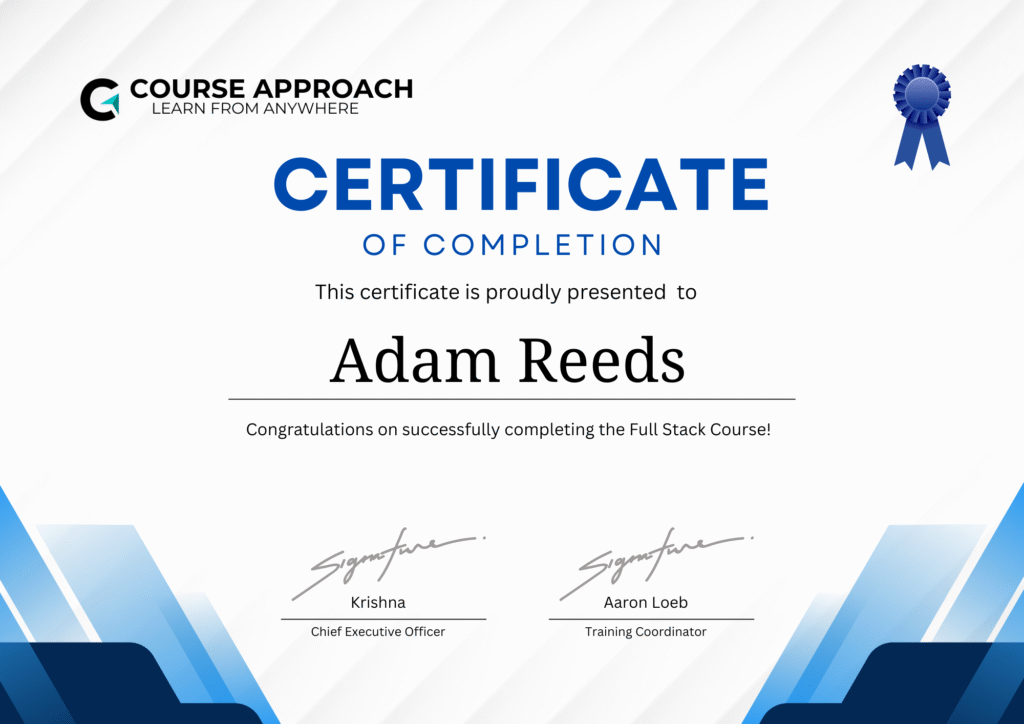
Whether you're aspiring to become a full-stack developer, looking to enhance your career, or build your own end-to-end applications, this




At Course Approach, we understand that people are your greatest asset. Our Corporate Training Programs are designed to equip your teams with the skills, tools, and mindset needed to excel in today’s competitive business landscape.
© 2025 All Rights Reserved By Course Approach
Developed By Waytowebs